
Features· File Manager

Duplicate Finder:Find the duplicates. Keep the originals.

Open the Duplicates folder in MaxVault and it compares the exact contents of the files in your vault. Duplicates are grouped together, you choose which copies to delete, and at least one copy from every set always remains.
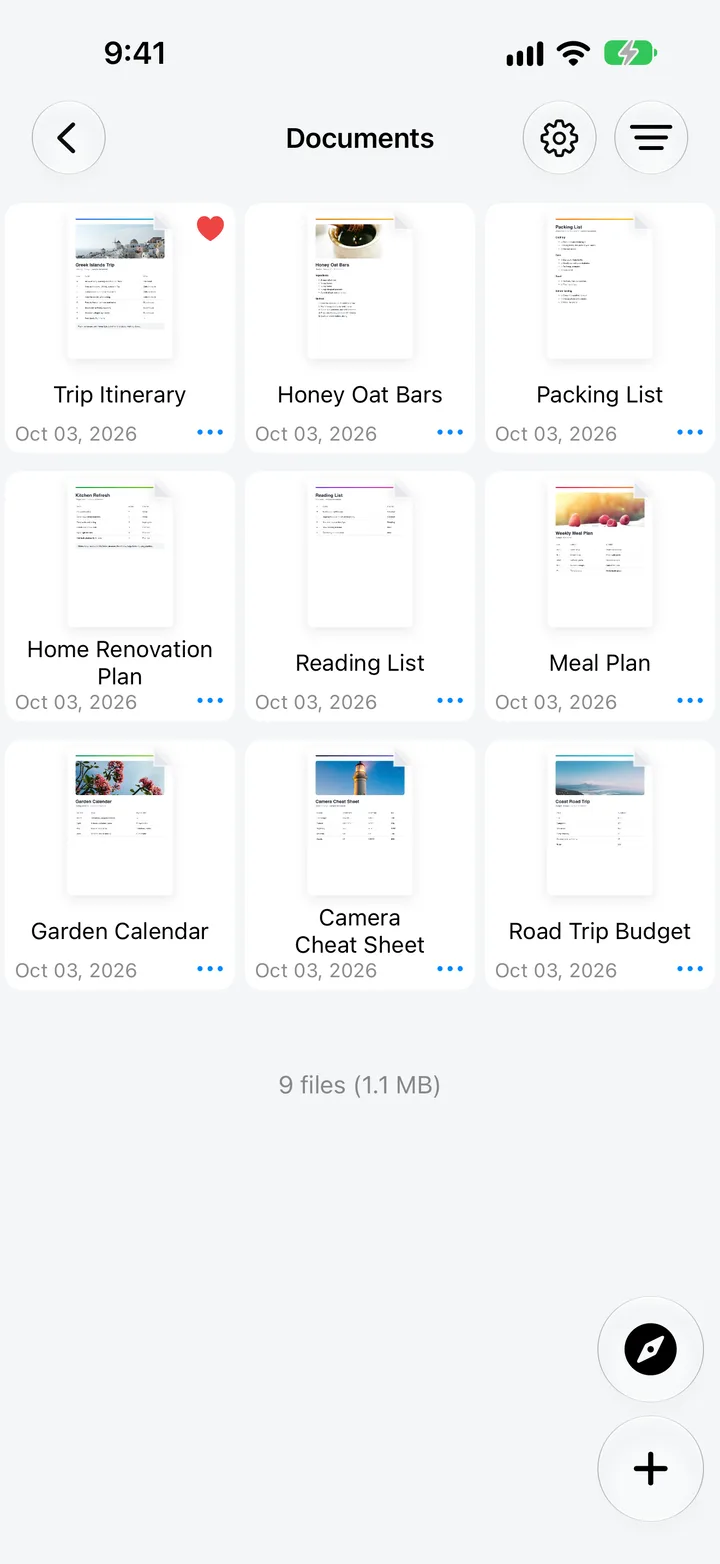
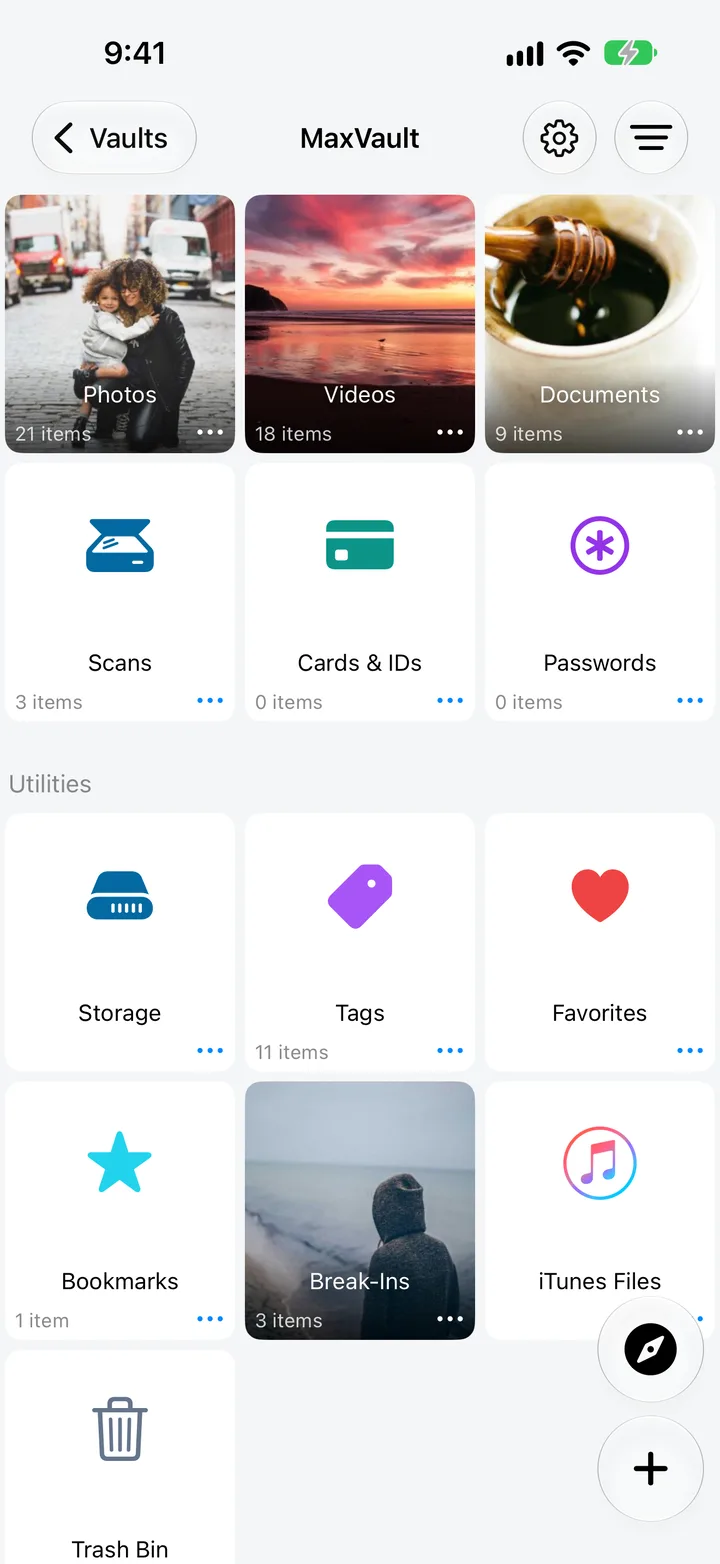
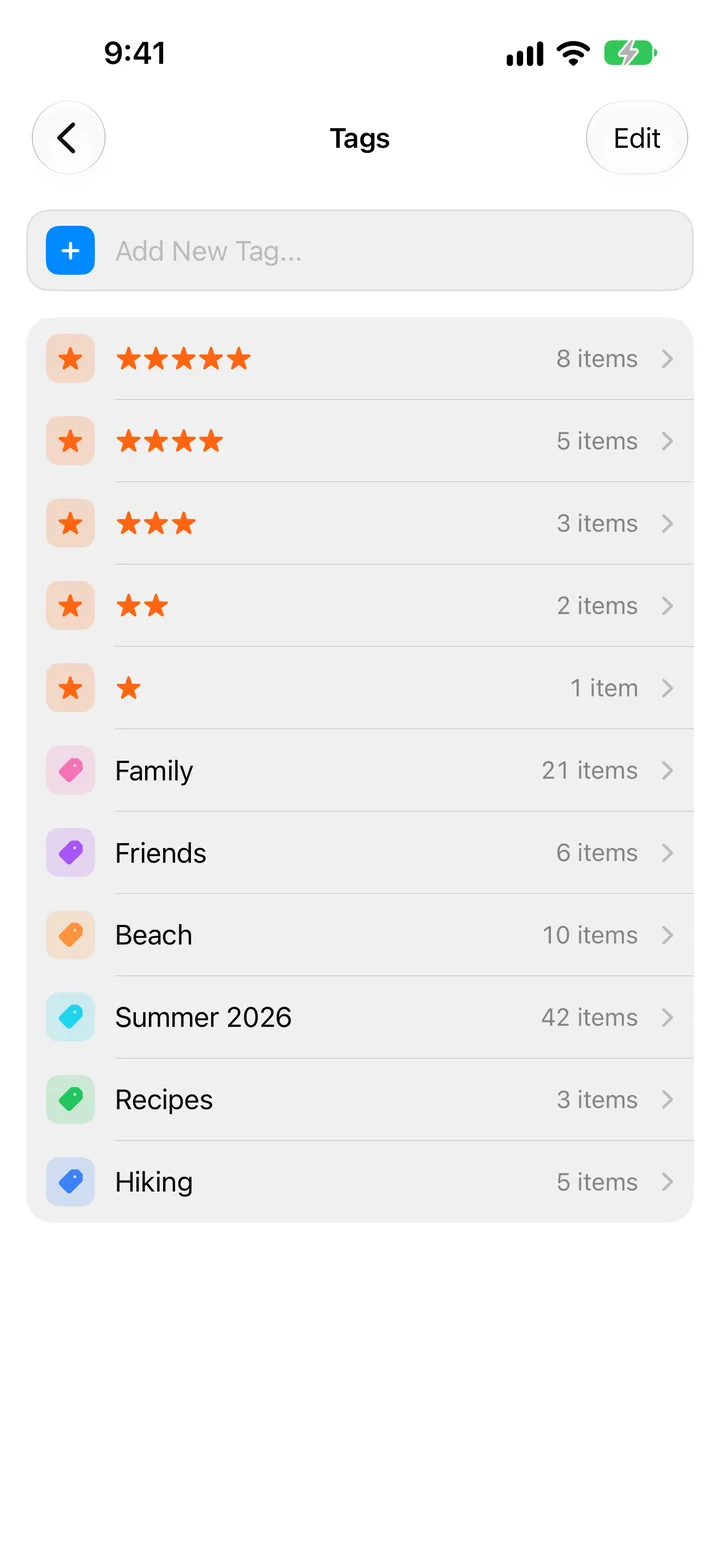
Documents in a MaxVault folder, the vault library with Scans, Cards & IDs and Passwords, and color and star tags.

What Duplicate Finder does

Exact matches

Files are compared by their contents, not their names.

Grouped for review

Each set of duplicates is shown together, so you can compare before deleting.

One copy always stays

At least one copy from every duplicate set remains.

Trash Bin

With Move Deleted Files to Trash on, deleted copies go to the Trash Bin first.

Clean up duplicates

Full guide: How to find duplicate files on iPhone
  1. Open MaxVault and go to the Duplicates folder.
  2. MaxVault lists the files that match each other.
  3. Review each group and choose which copies to delete.

Duplicate Finder: questions.

Does it find duplicates in the Photos app?

No. MaxVault checks files in your vault. For your camera roll, use the Duplicates album in the Photos app. How to find duplicate files.

Will it delete anything automatically?

No. Nothing is removed until you choose.

How does it decide two files are the same?

It compares the exact file contents, so renamed copies are found too, and different photos are never mistaken for duplicates.

Keep what’s personal private.

Free to download for iPhone and iPad.

Download on theApp Store