
Features

File Manager:Organize with folders, tags and favorites.

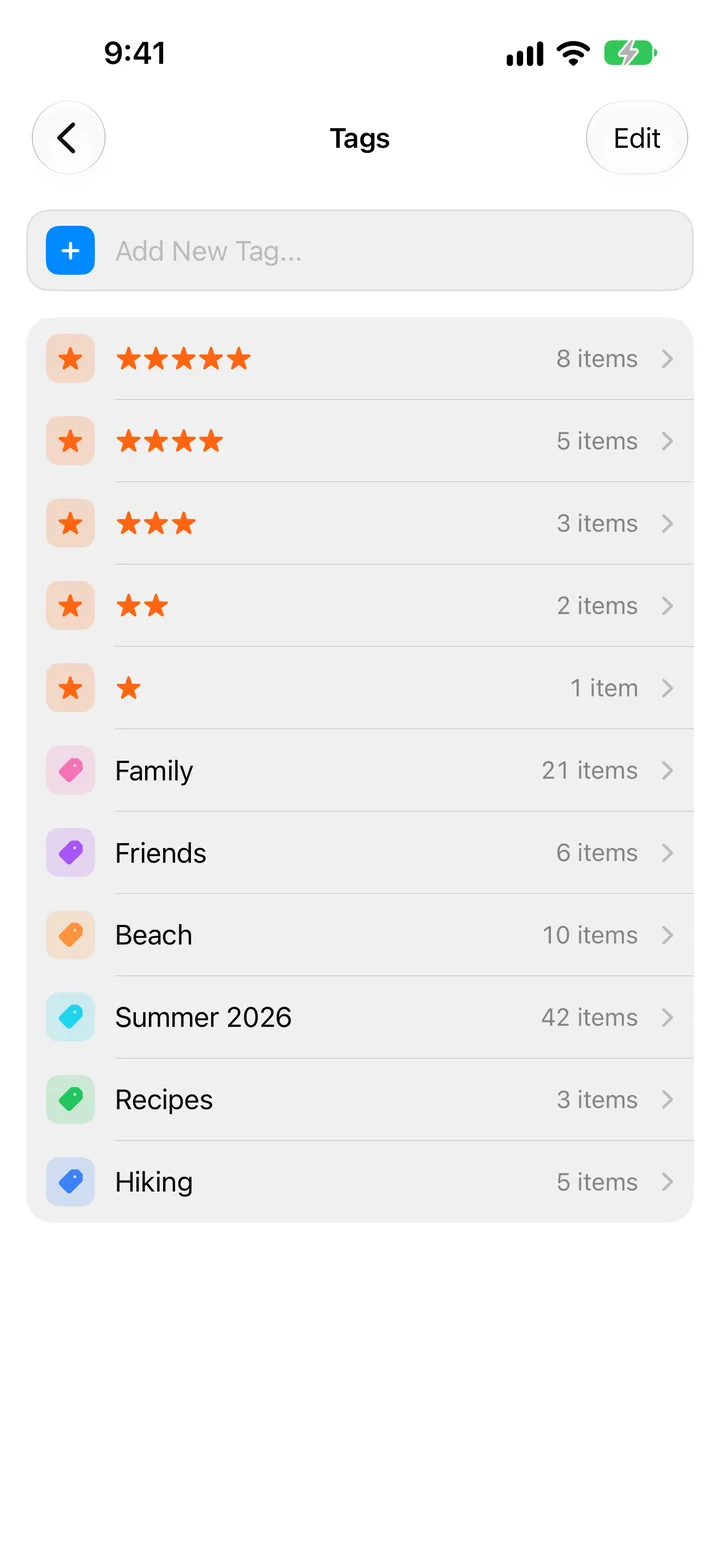
Keep everything in order with folders, color tags and Favorites. Group related files, mark what matters, and find what you need without digging through your vault.
Ways to get files in and out

  • Import from Photos, with optional delete after import
  • Save from Safari, Photos, Mail and other apps with the share sheet
  • Take photos or record videos inside the app
  • Wi-Fi Transfer, or Finder and the Apple Devices app
  • Transfer to Device between two iPhones or iPads
  • Share with Messages, AirDrop or Mail
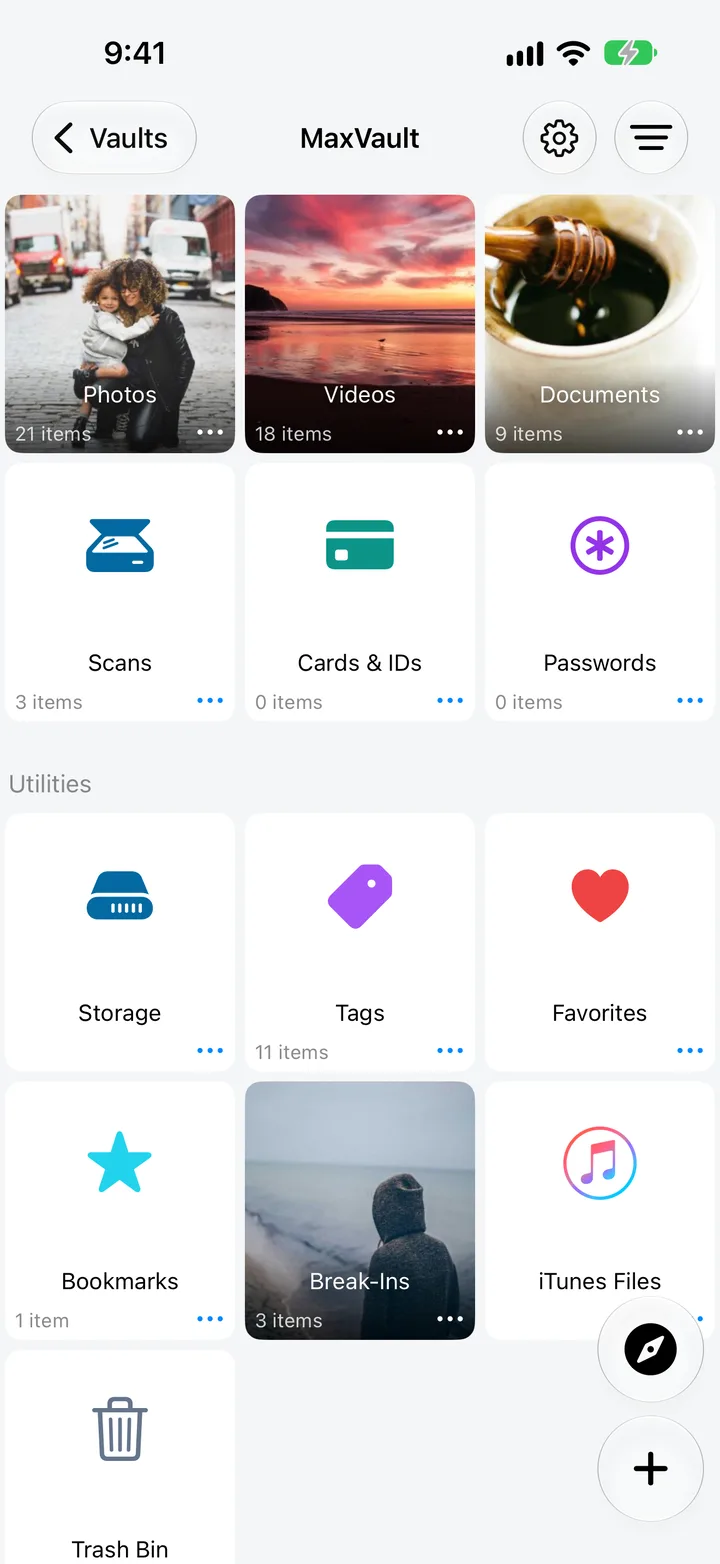
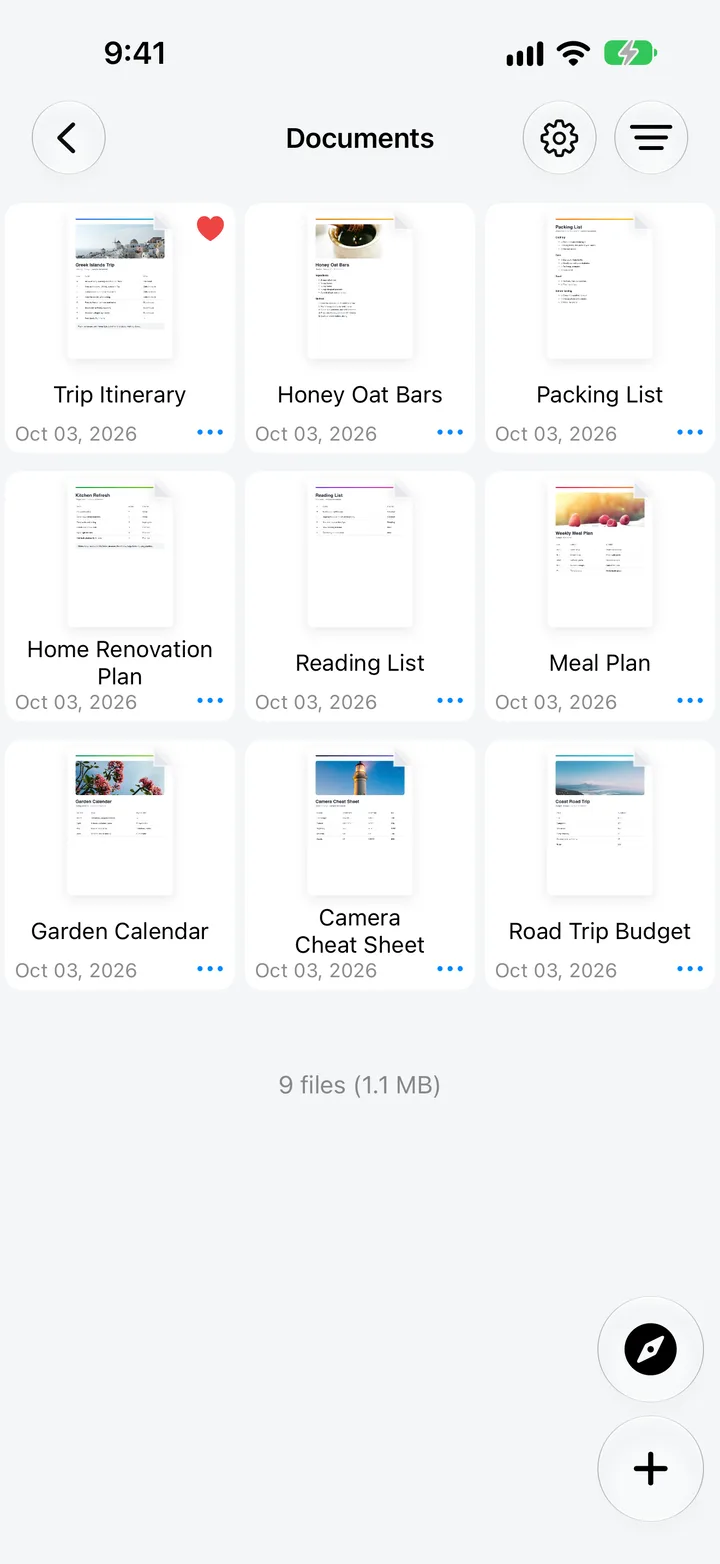
Documents in a MaxVault folder, the vault library with Scans, Cards & IDs and Passwords, and color and star tags.

What File Manager does

Folders your way

Nest folders, search, sort by name, size or date, arrange by hand, and switch between list and grid.

Scan documents

Scan paper documents with the camera straight into a private folder.

Open almost any document

View PDF, Microsoft Office and iWork files, and zip or unzip archives.

Find duplicates

Find duplicate files and choose which copies to delete. Nothing is removed until you decide.

Wi-Fi Transfer

Move files to and from a computer’s web browser on the same Wi-Fi, or to another device running MaxVault.

Cloud and Files

Work with iCloud Drive, Dropbox, OneDrive and Google Drive.

Bring your files in

Full guide: How to transfer files from a computer to iPhone over Wi-Fi
  1. Tap + and choose Import from Files, Import from Photos, Scan or WiFi Transfer.
  2. Or share from Safari, Mail and other apps to MaxVault with the share sheet.
  3. Create folders with + → Folder, and sort, tag or favorite anything.

File Manager: questions.

What kinds of files can I keep?

Any file. MaxVault opens PDF, Microsoft Office and iWork documents, plays most video and audio formats, and zips or unzips archives.

Can I unzip a file on iPhone?

Yes. Tap a ZIP archive to unzip it in place, or select files and zip them to share. Password-protected ZIP files ask for their password. How to unzip files on iPhone.

Does it work with cloud storage?

Yes. Work with files in iCloud Drive, Dropbox, OneDrive and Google Drive from inside MaxVault.

Keep what’s personal private.

Free to download for iPhone and iPad.

Download on theApp Store