
Any computer
Windows, Mac, Linux or ChromeOS, in any web browser. Nothing to install.
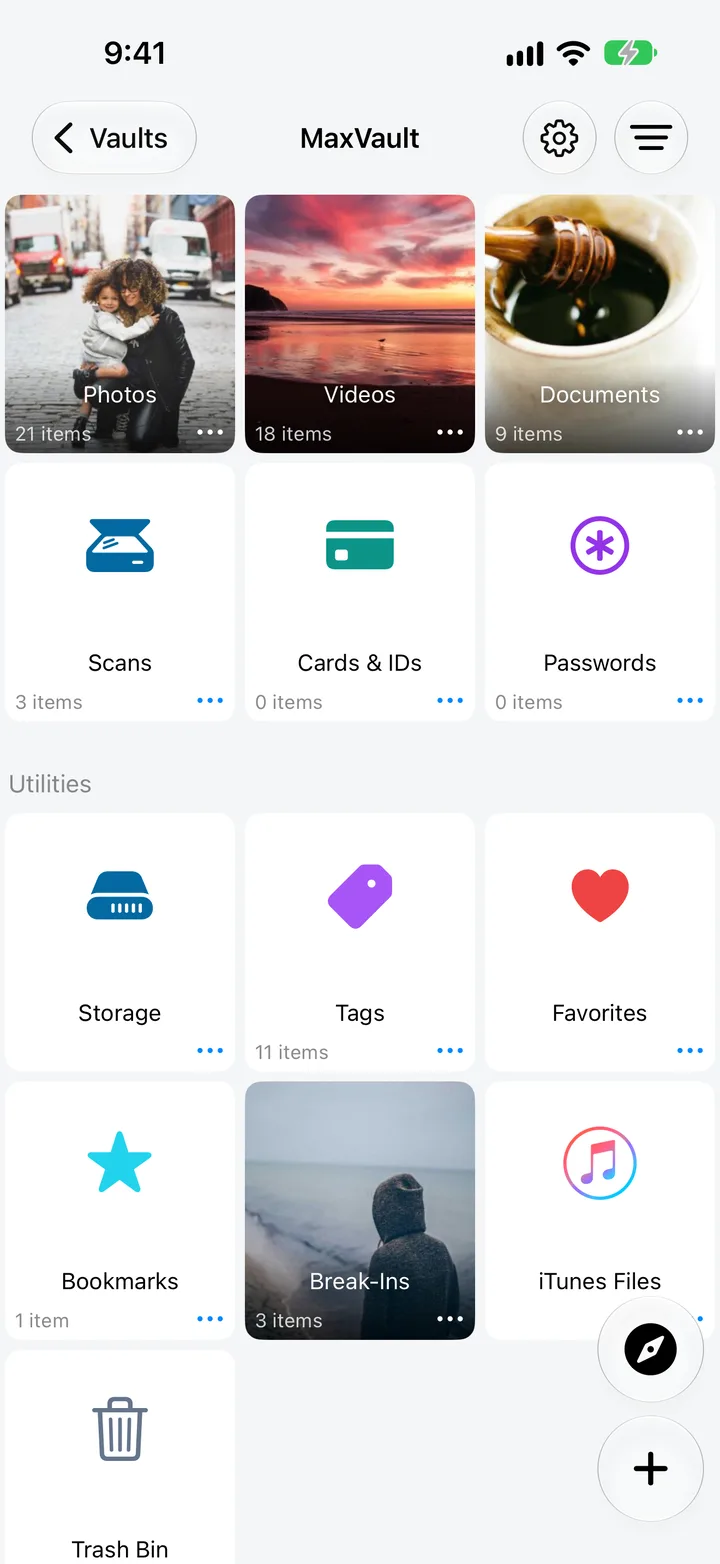
Tap + → WiFi Transfer in MaxVault and open the address it shows in any web browser on a computer on the same Wi-Fi. Upload files into the folder you’re in, or download files from your vault. Nothing goes through the internet or a cloud service.
Windows, Mac, Linux or ChromeOS, in any web browser. Nothing to install.
Files move over your local Wi-Fi, not through the internet or a cloud service.
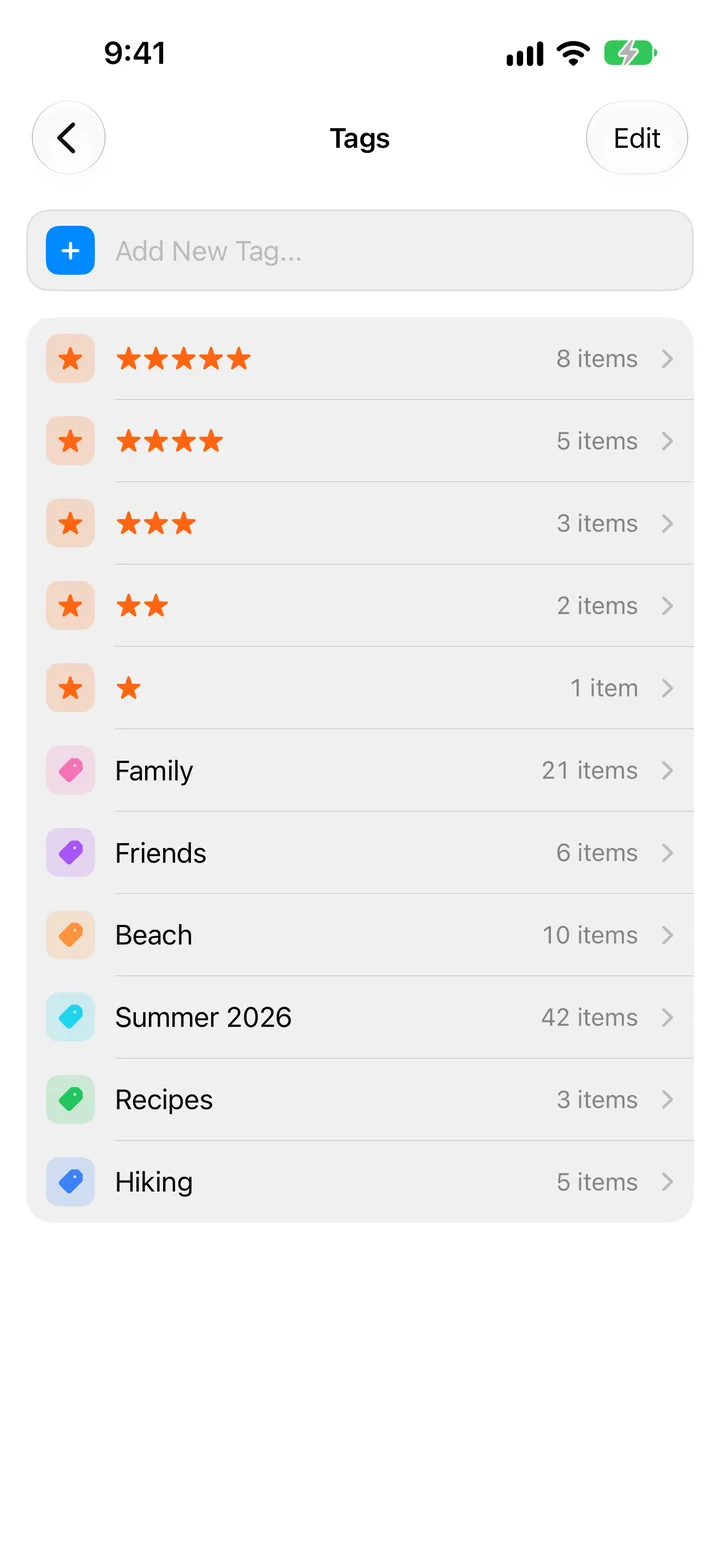
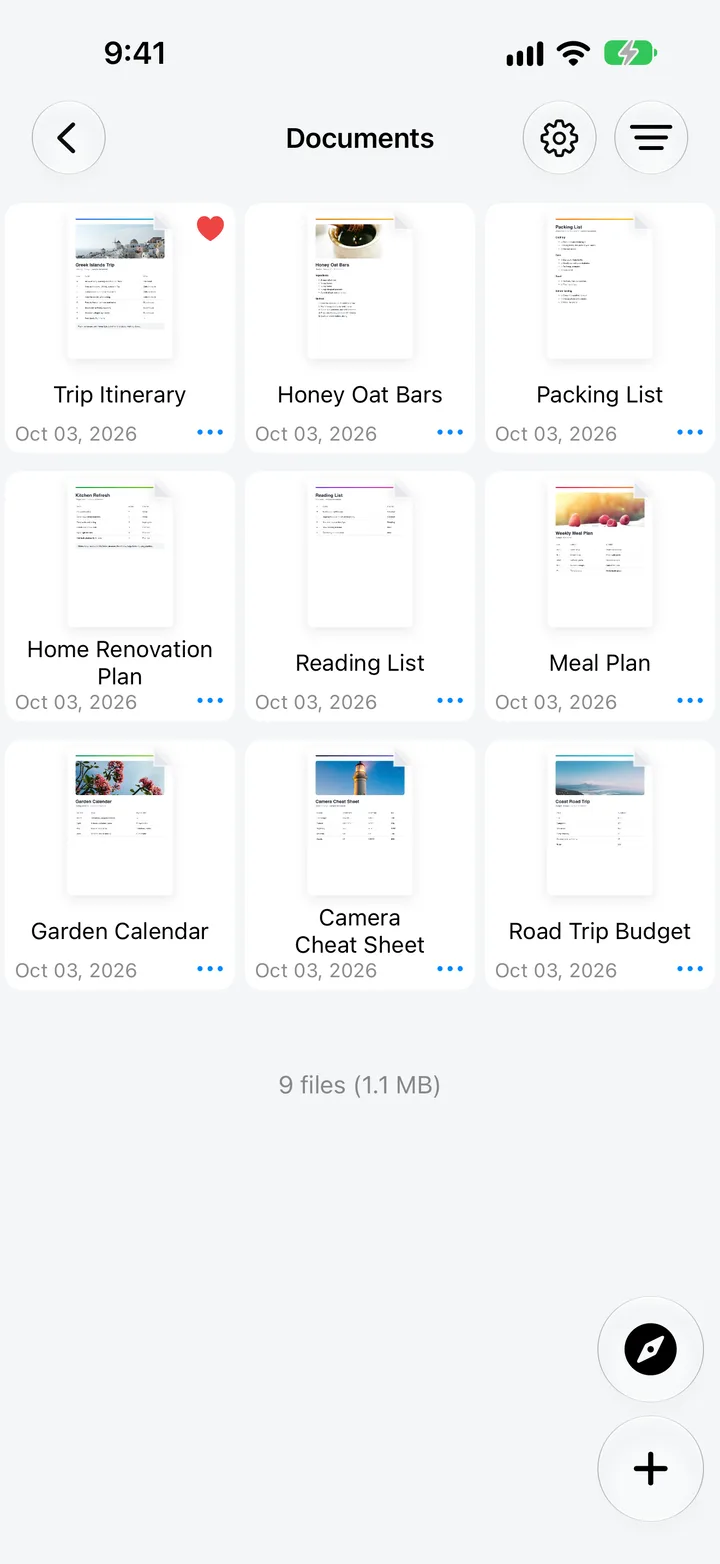
Uploads land in the vault folder you had open.
Send files between two iPhones or iPads running MaxVault.