

Features

Photo Vault:More than a hidden album.

Move photos and videos out of your camera roll and into a vault that opens only with its own passcode or Face ID. Organize them in folders and view them without ever leaving the app.
Keep anything in a vault

  • Photos, including HEIC, JPEG, PNG, animated GIF and Live Photos
  • Videos in almost any format, including MKV, AVI and WMV
  • PDF, Microsoft Office and iWork documents
  • Audio, from voice memos to FLAC
  • ZIP archives, scans, cards, IDs and passwords
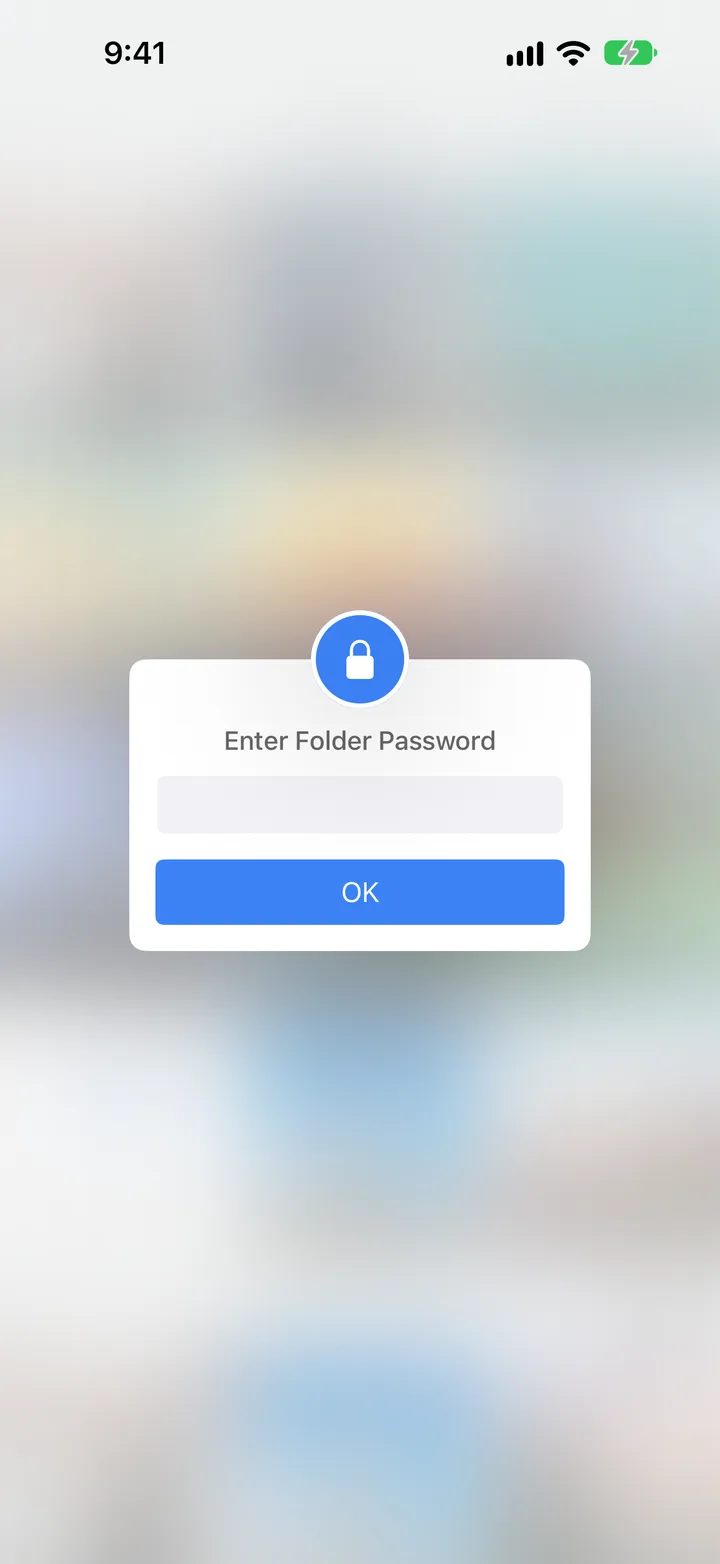
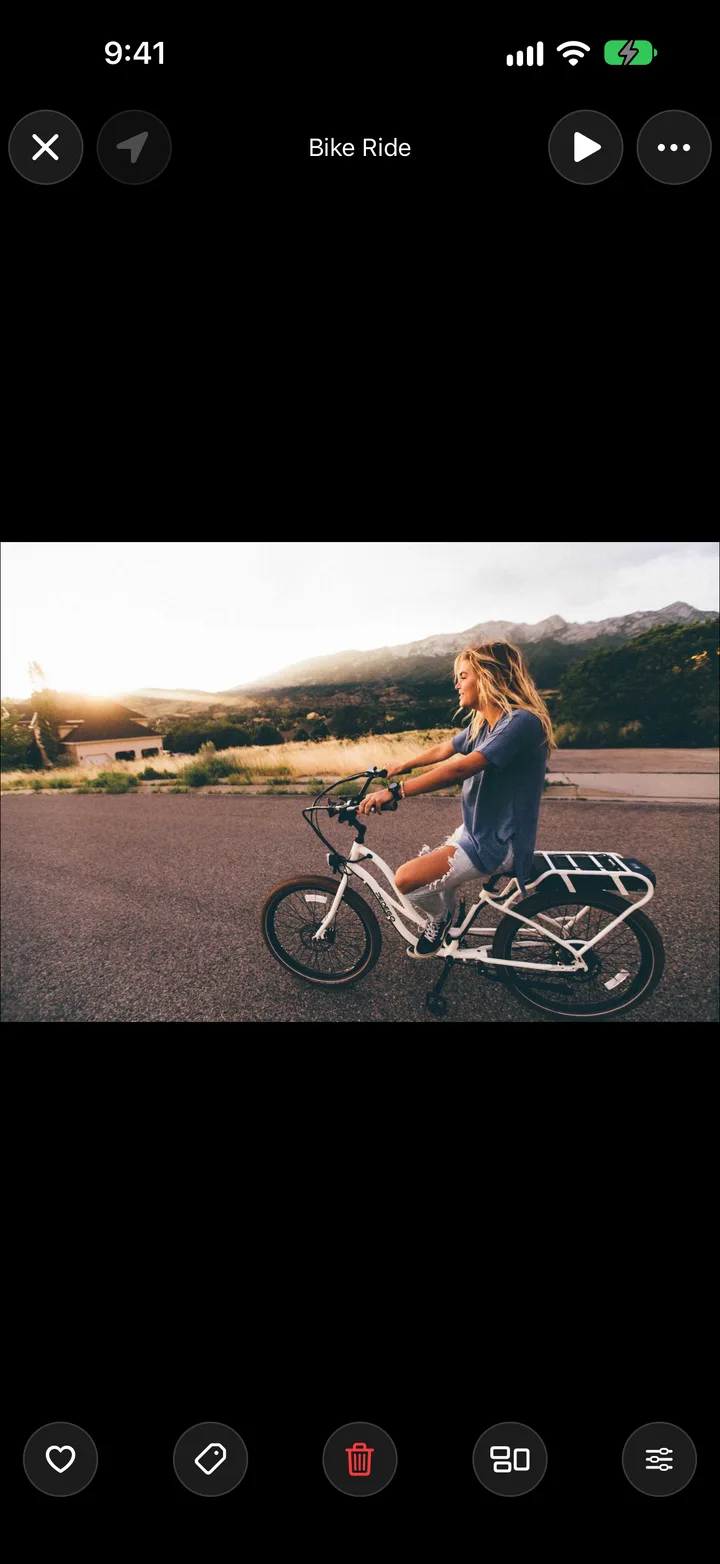
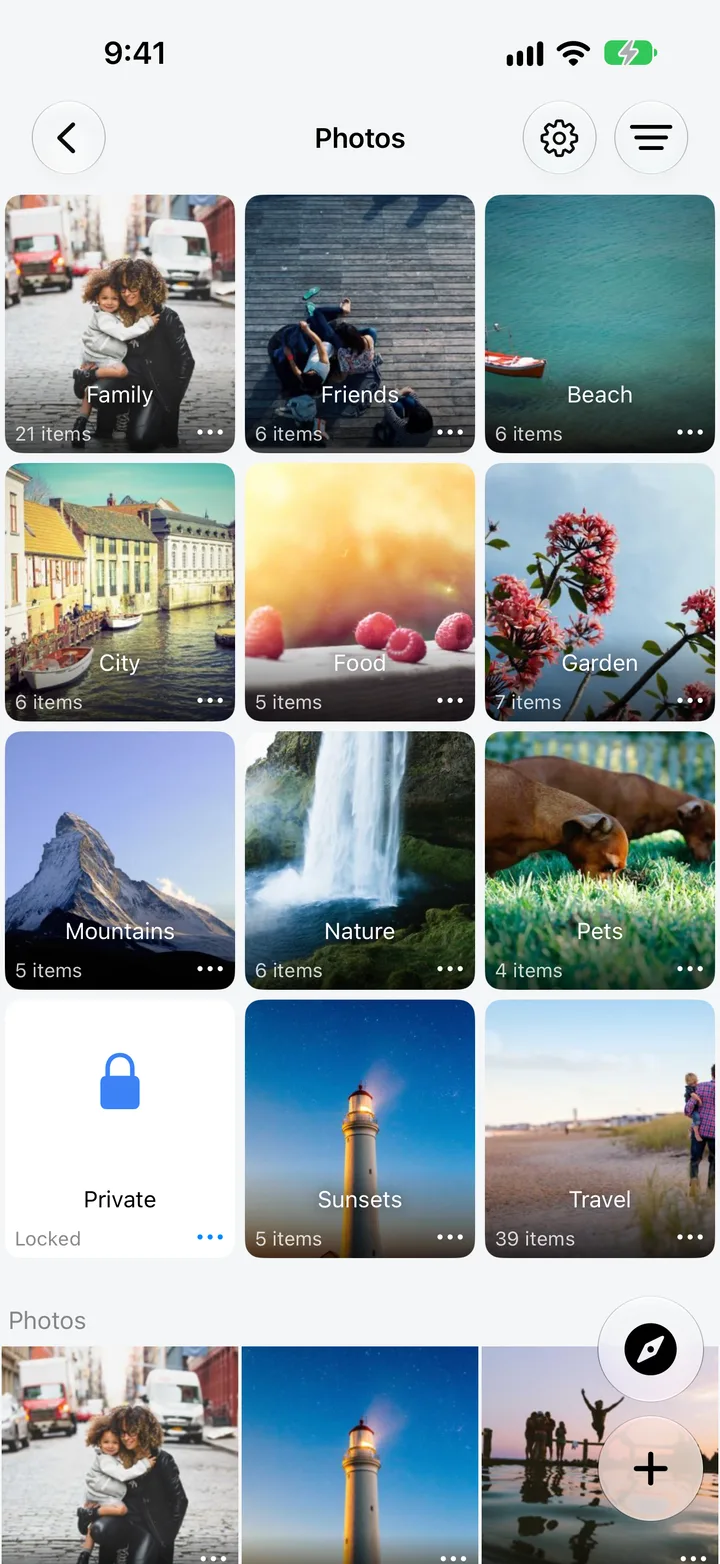
MaxVault photo folders, an album, a locked folder asking for its password, and a photo opened full screen.

What Photo Vault does

A passcode for each vault

Every vault has its own 4 to 8 digit passcode, separate from your iPhone’s, with Face ID or Touch ID.

Lock individual folders

Give your most sensitive folders their own password, on top of the vault’s passcode.

Import from anywhere

Photos, Live Photos, videos and documents from Photos, Files, Safari and the share sheet, with an option to delete them from Photos after import.

Tags and Favorites

Tag anything with a color or a star rating, heart your favorites, and find them in one tap.

Trash Bin

With Trash Bin enabled, deleted items stay there until you permanently remove them.

Hide your first photos

Full guide: How to hide photos and videos on iPhone
  1. Open MaxVault and tap + → Import from Photos.
  2. Choose the photos and videos to hide. Pick how Live Photos come in with Settings → Photos → Import Live Photo As.
  3. To remove the originals from your camera roll automatically, turn on Settings → Photos → Delete after Import.
  4. Then empty Recently Deleted in the Photos app, so the copies there are gone too.

Photo Vault: questions.

Does hiding a photo in MaxVault remove it from Photos?

Only if you want it to. Turn on Delete after Import in MaxVault’s Photos settings and MaxVault removes each photo from the Photos app after importing it. iOS keeps deleted photos in Recently Deleted for up to 30 days, so empty that album as well.

Are my photos uploaded anywhere?

No. Photos you keep in MaxVault stay on your device and are never uploaded to a Rambax server. They leave only when you share, export or transfer them.

Does MaxVault keep the original file?

Yes. MaxVault imports the original photo or video file, including HEIC, Live Photos and large videos.

Keep what’s personal private.

Free to download for iPhone and iPad.

Download on theApp Store