
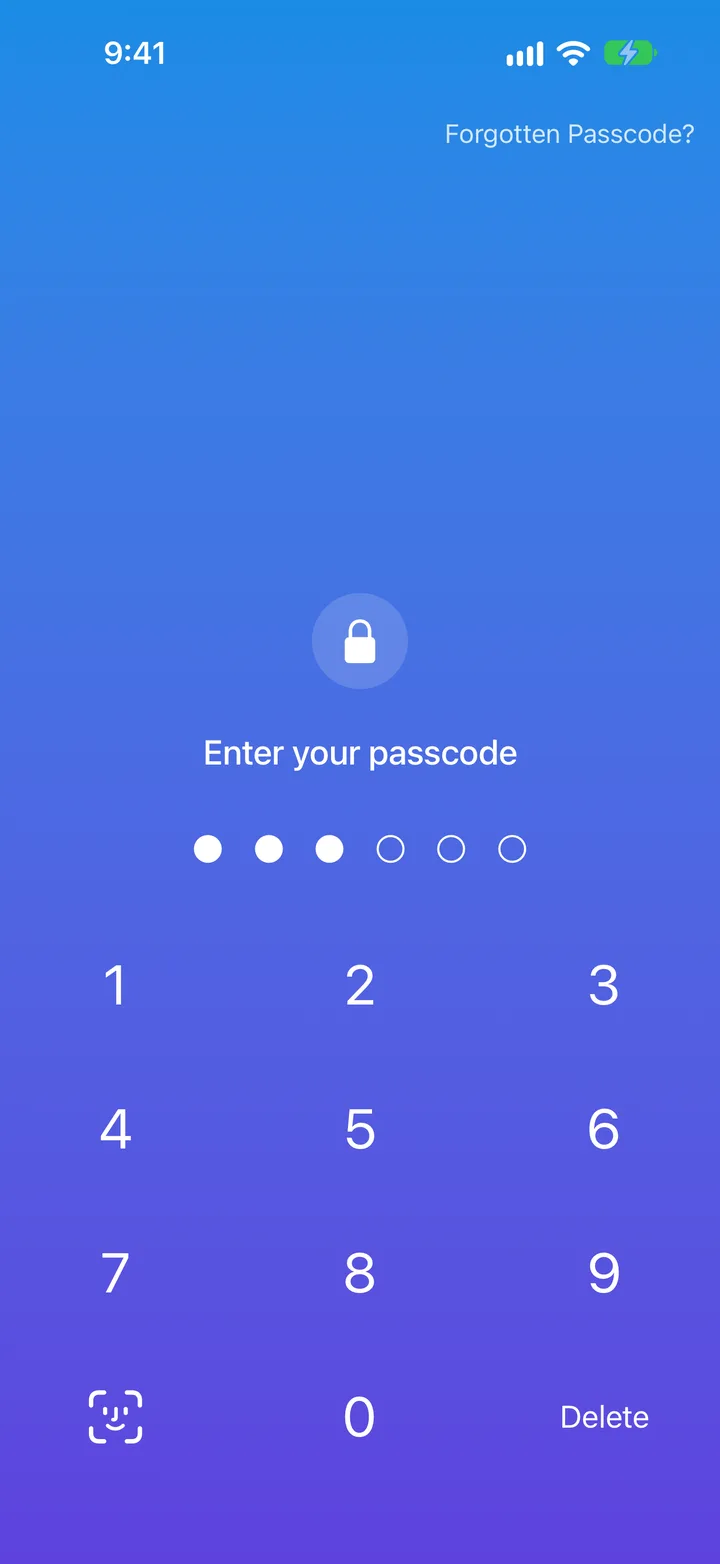
A passcode decides the vault
Type one passcode and your family photos open; type another and your work files do. Each vault shows only its own files.
Every vault in MaxVault has its own 4 to 8 digit passcode, separate from your iPhone’s. The passcode you type when MaxVault opens decides which vault appears, so each one shows only its own files. Face ID or Touch ID unlocks your vault, and a MaxVault Account set up for recovery can send a recovery email to its registered address.
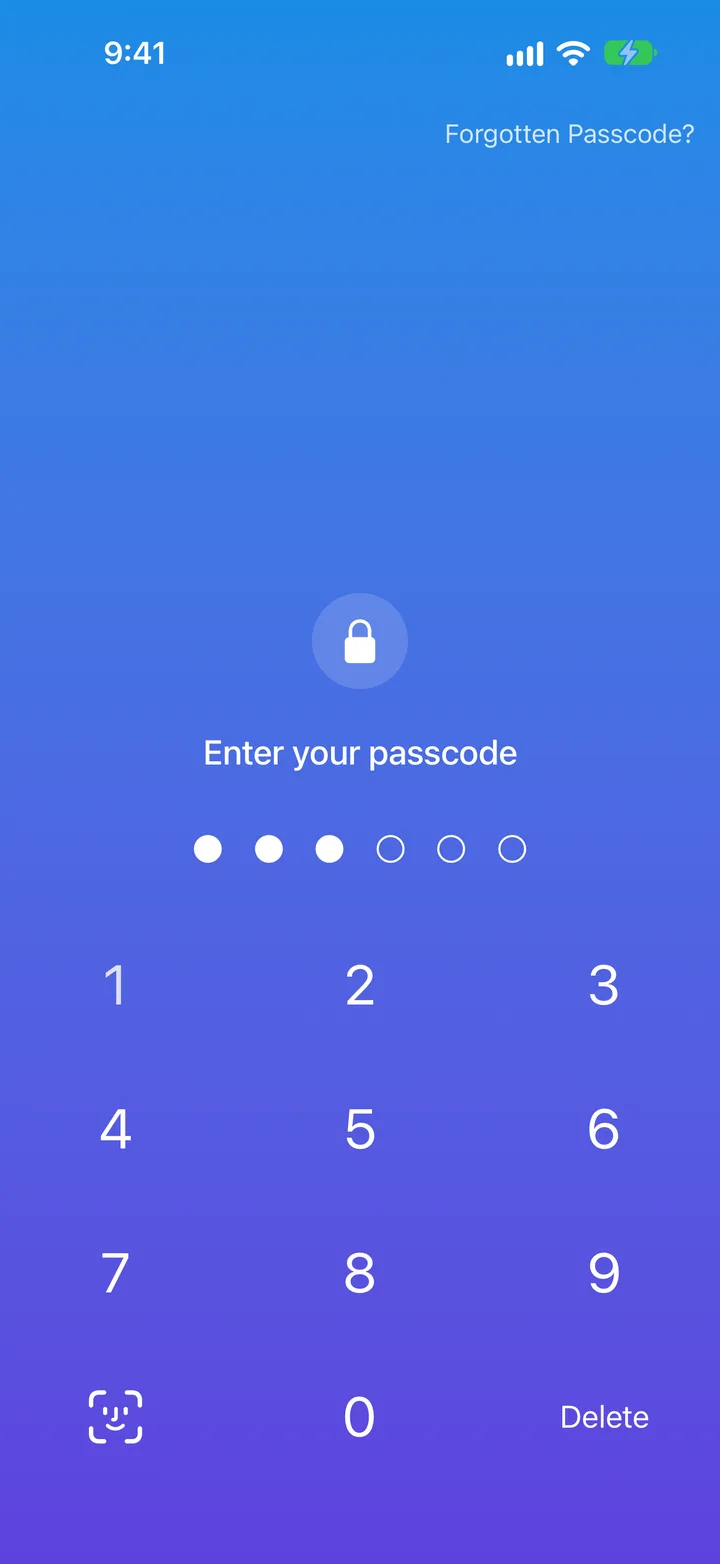
Type one passcode and your family photos open; type another and your work files do. Each vault shows only its own files.
Someone who knows your iPhone passcode still can’t open any of your vaults.
Unlock with a glance or a touch, with your passcode as the fallback.
Ask again immediately, or after anything from 30 seconds to 5 minutes away from the app.
After several wrong entries, each further attempt has to wait longer.
If you set up a MaxVault Account for recovery, tap Forgotten Passcode? to request a recovery email.
When you leave, MaxVault can close the photo browser, locked folders, notes and the browser.