
Features· Security

Folder Passwords:Lock a folder. Inside a locked app.

Any folder in MaxVault can have its own password, on top of its vault’s passcode, so the files you care about most need a second key. Face ID or Touch ID can open it, and locked folders close by themselves when you leave the app.
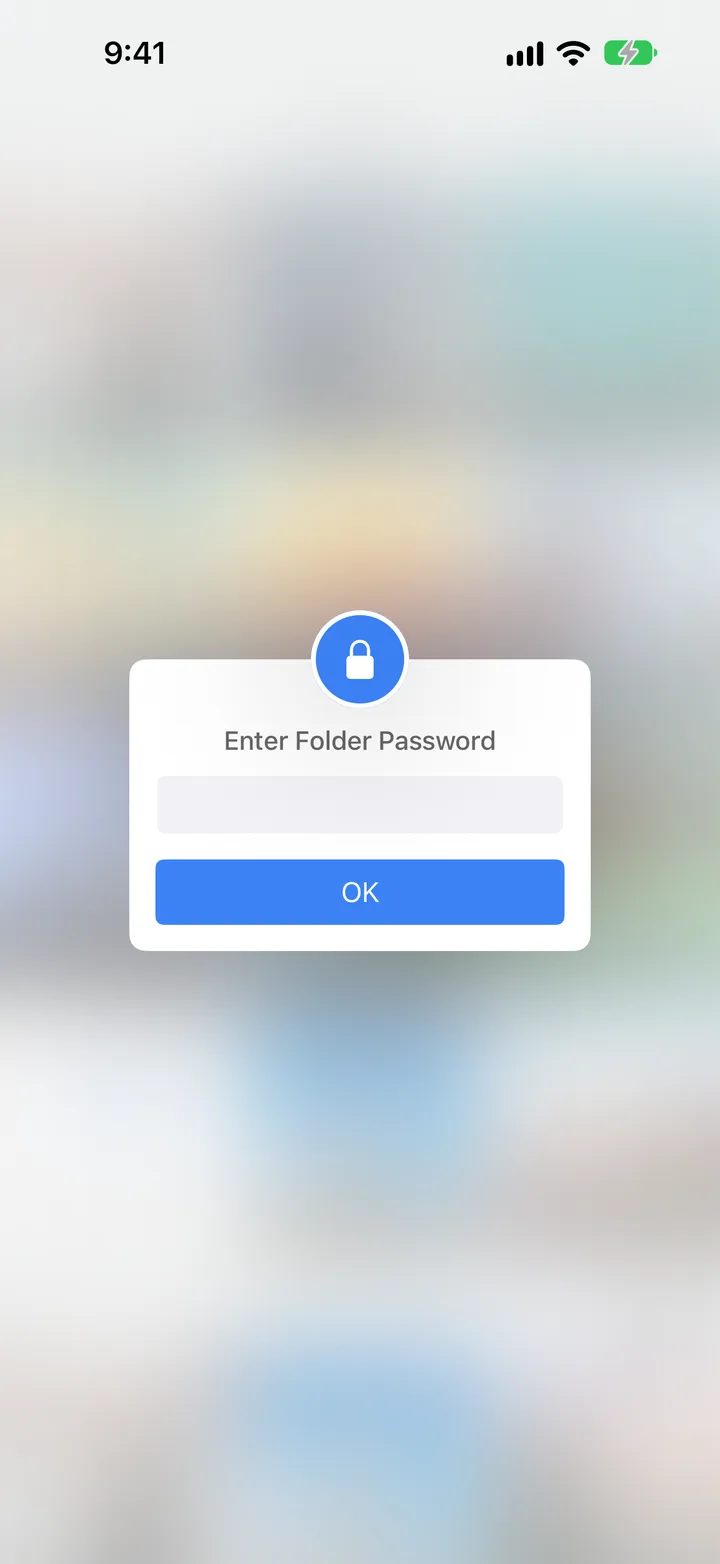
A MaxVault folder asking for its Folder Password.

What Folder Passwords does

Its own password

Each locked folder asks for its password every time it opens.

Face ID or Touch ID

Open a locked folder with Face ID or Touch ID instead of typing.

Lock what matters most

Leave everyday folders open and lock only IDs, documents or the photos that matter most.

Closes when you leave

Close Locked Folder & Document Viewer shuts them automatically when the app exits.

Lock a folder

Full guide: How to lock a folder on iPhone
  1. Create a folder with + → Folder, or pick an existing one.
  2. Open the folder’s More menu and choose Folder Settings.
  3. Set a Folder Password. MaxVault asks you to sign in to your MaxVault Account first, so a forgotten password can be recovered.
  4. Turn on Unlock using Face ID (or Touch ID) if you like.

Folder Passwords: questions.

Can I lock a folder in the Files app?

No. The Files app can’t password-protect a folder. MaxVault can, for any folder you keep in it. How to lock folders on iPhone.

Is a folder password the same as the vault passcode?

No. It’s an extra lock on one folder. Someone who opens the vault still needs the folder’s password.

What if I forget a folder password?

Recovery requires a previously configured MaxVault Account and access to its email address. MaxVault asks you to sign in before adding a new folder password. Contact Support if recovery does not work; do not delete the app or its files.

Keep what’s personal private.

Free to download for iPhone and iPad.

Download on theApp Store