
Features· Security

Break-in Reports:See who tried to get in.

Turn on Capture Break-ins and, after the number of wrong passcodes you choose, MaxVault discreetly takes a photo with the front camera and saves the time and location of the attempt. The records stay in your vault, where only you can see them.
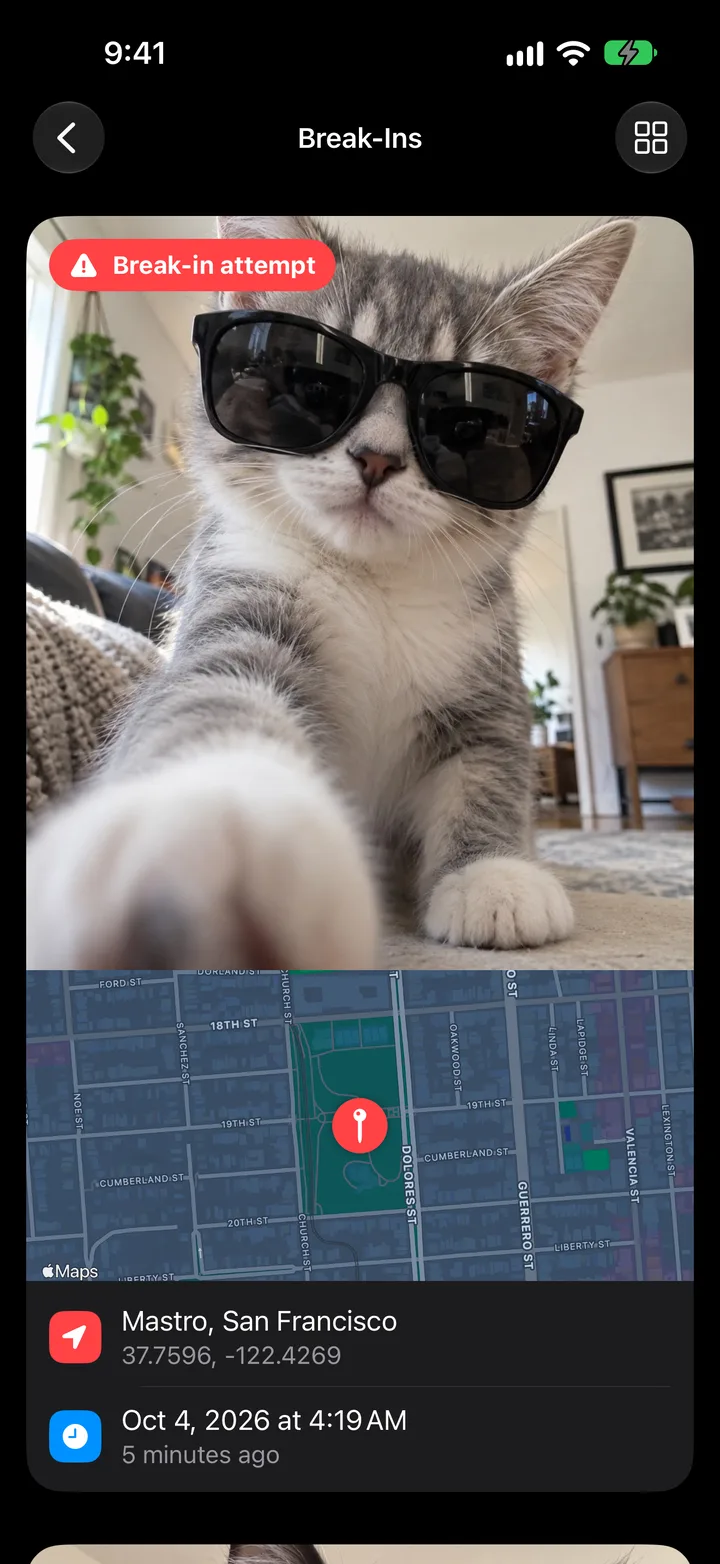
A break-in record in MaxVault: the photo taken after a wrong passcode, a map pin, the place and the time.

What Break-in Reports does

A photo of the intruder

The front camera takes a picture of whoever entered the wrong passcode.

Where and when

Each record keeps the time of the attempt and, if you allow location, where it happened.

You set the trigger

Choose how many wrong attempts in a row start a capture with Maximum Failed Attempts.

Kept in your vault

Break-in records stay on your device, in the Break-Ins folder.

Turn on break-in reports

Full guide: How to see who tried to get into your private photos
  1. Go to Settings → Security → Break-ins.
  2. Turn on Capture Break-ins and allow camera access. Location access is optional.
  3. Choose Maximum Failed Attempts.
  4. Review attempts in View Break-ins or the Break-Ins folder.

Break-in Reports: questions.

Where can I see break-in attempts?

In Settings → Security → Break-ins → View Break-ins, or in the Break-Ins folder. Records are only visible inside your vault.

Can iPhone tell me if someone tried to open an app?

Not on its own. iOS doesn’t log failed attempts to open a particular app. Break-in reports do that for MaxVault. How to catch someone snooping.

Does it need location access?

No. Location is optional and only adds where the attempt happened.

Keep what’s personal private.

Free to download for iPhone and iPad.

Download on theApp Store