
Features· File Manager

Document Scanner:Scan it. Lock it away.

Tap + → Scan in any MaxVault folder and hold your iPhone over the page. Each page is saved to that folder in the vault you opened, and never lands in your camera roll. Lock the folder with its own password for IDs and passports.
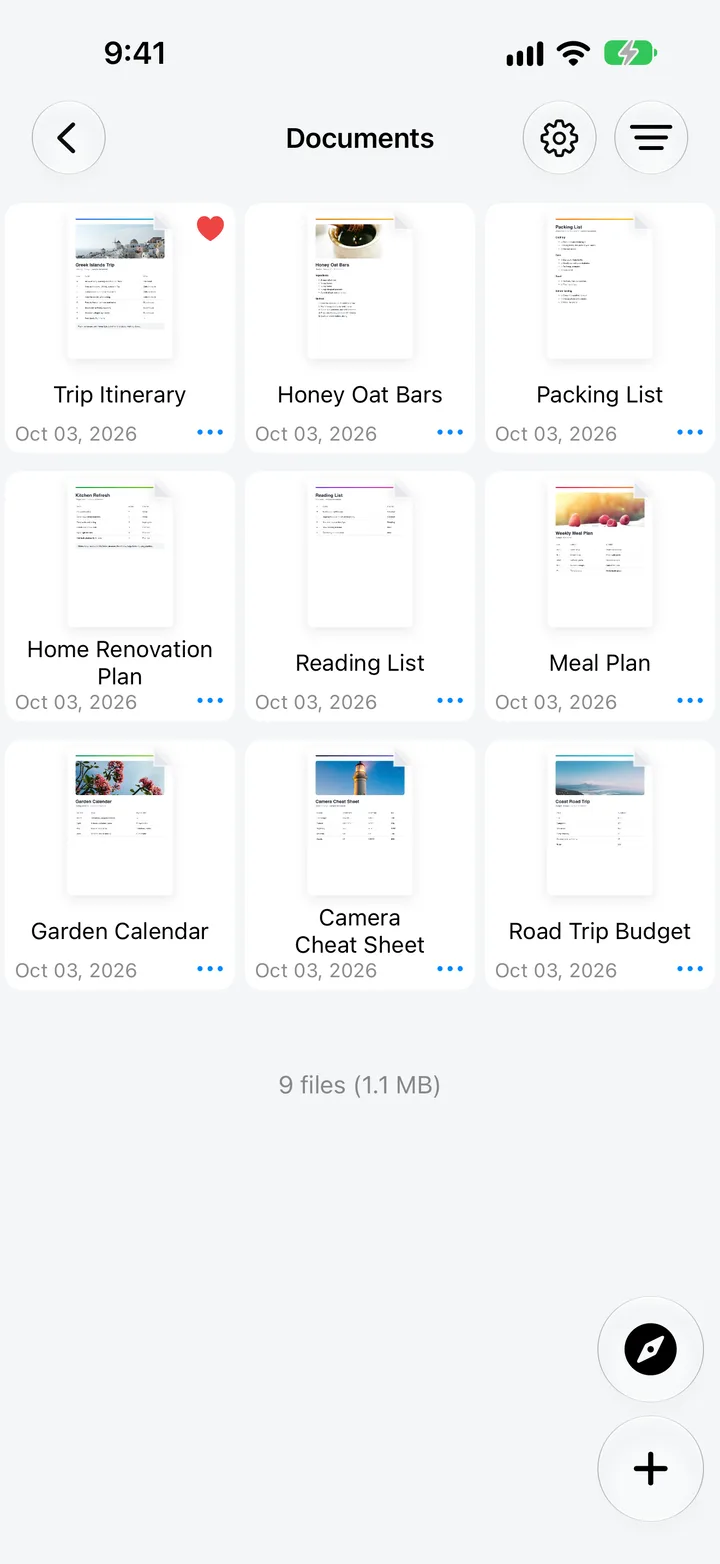
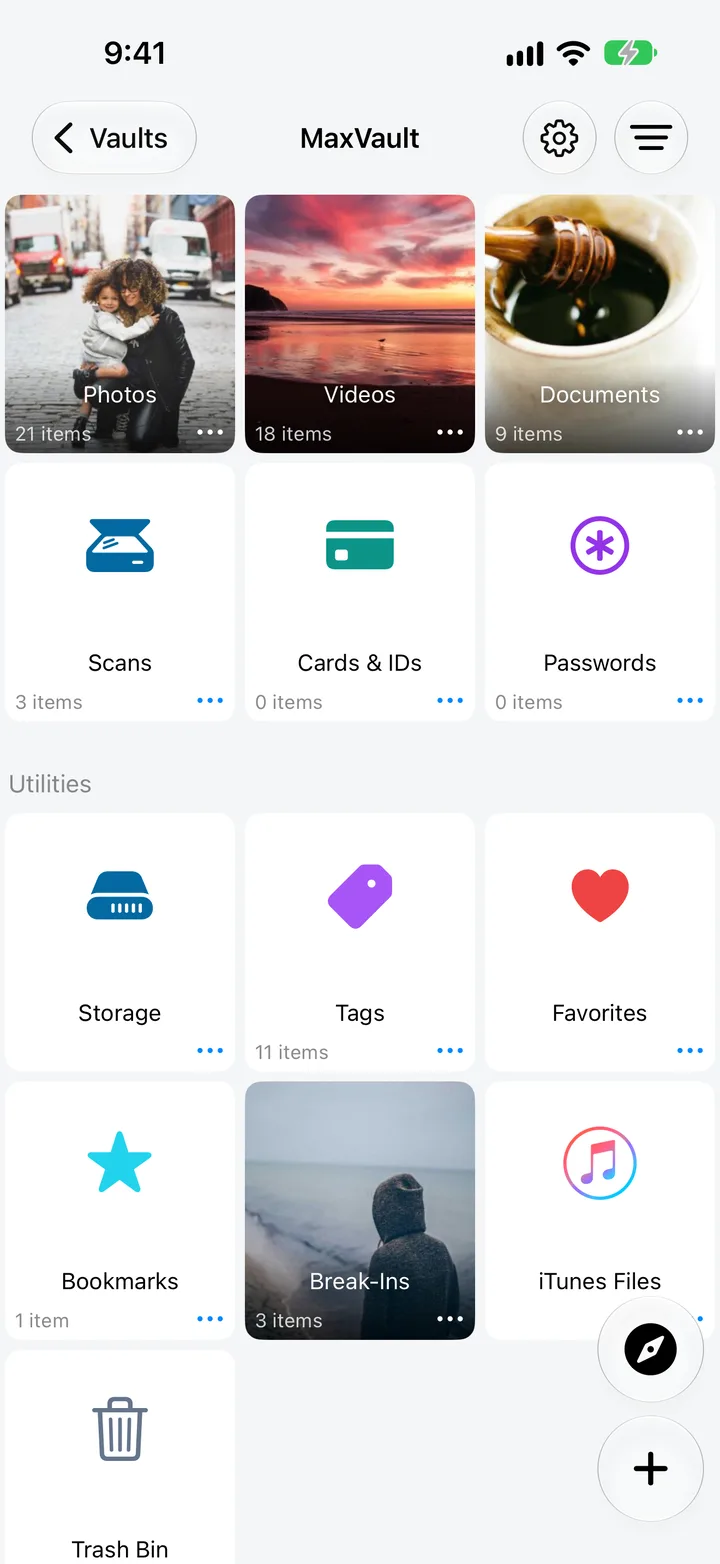
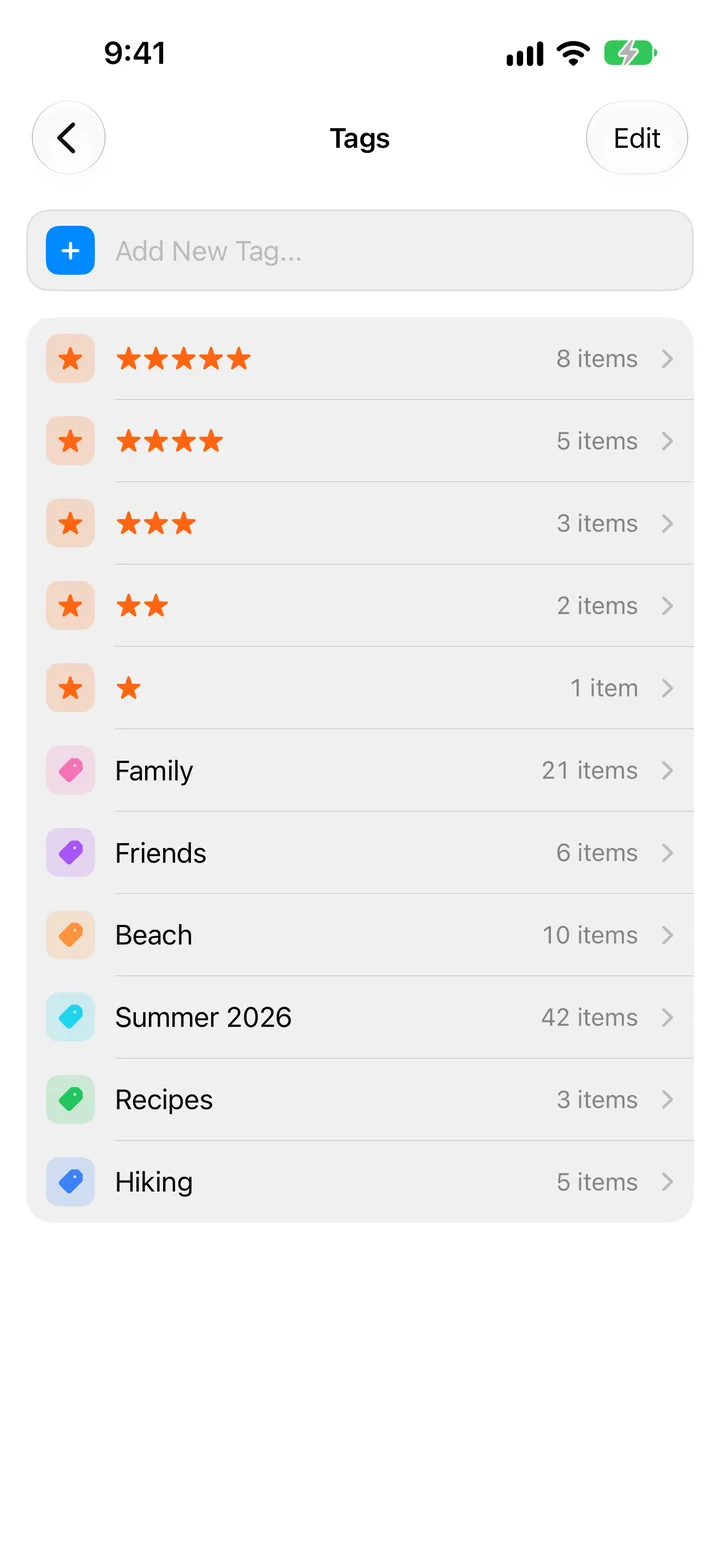
Documents in a MaxVault folder, the vault library with Scans, Cards & IDs and Passwords, and color and star tags.

What Document Scanner does

Scan with the camera

Hold your iPhone over a page to capture it, and add as many pages as you need.

Straight into a folder

Scans go into the folder you had open, not your camera roll.

Lock the sensitive ones

Give an IDs folder its own Folder Password.

Redact before sharing

Cover an ID number or address before you send a scan.

Scan a document

Full guide: How to scan documents privately on iPhone
  1. Open or create the folder for the document, such as IDs & Passports.
  2. Tap + → Scan.
  3. Hold your iPhone over the page, and add more pages if needed.
  4. Tap Save. Each page is saved to the folder as an image.

Document Scanner: questions.

Why not scan with Notes or Files?

You can, but those scans live in Notes or iCloud Drive. Scanning into MaxVault keeps them in your vault. How to scan documents privately.

Can I scan several pages at once?

Yes. Keep scanning before you tap Save, and every page is added to the folder.

Can I hide part of a scan before sharing it?

Yes. Open the scan and use Redact an Area in the Photo Editor.

Keep what’s personal private.

Free to download for iPhone and iPad.

Download on theApp Store